
Works in any browser, installs to your home screen, and is on the App Store and Google Play.
From a link
Import a recipe by pasting a link from a recipe website, Instagram, TikTok, YouTube, Facebook or X. It works when the post or page has readable text, captions or speech; some posts can't be read.
From a photo or screenshot
Import a recipe from a photo or screenshot.
From pasted text
Import a recipe from pasted text.
How it works
Find it
A recipe website, a post, a photo, a screenshot or text you copied.
Import it
Import a recipe from a link, a photo or screenshot, or pasted text.
Organize it
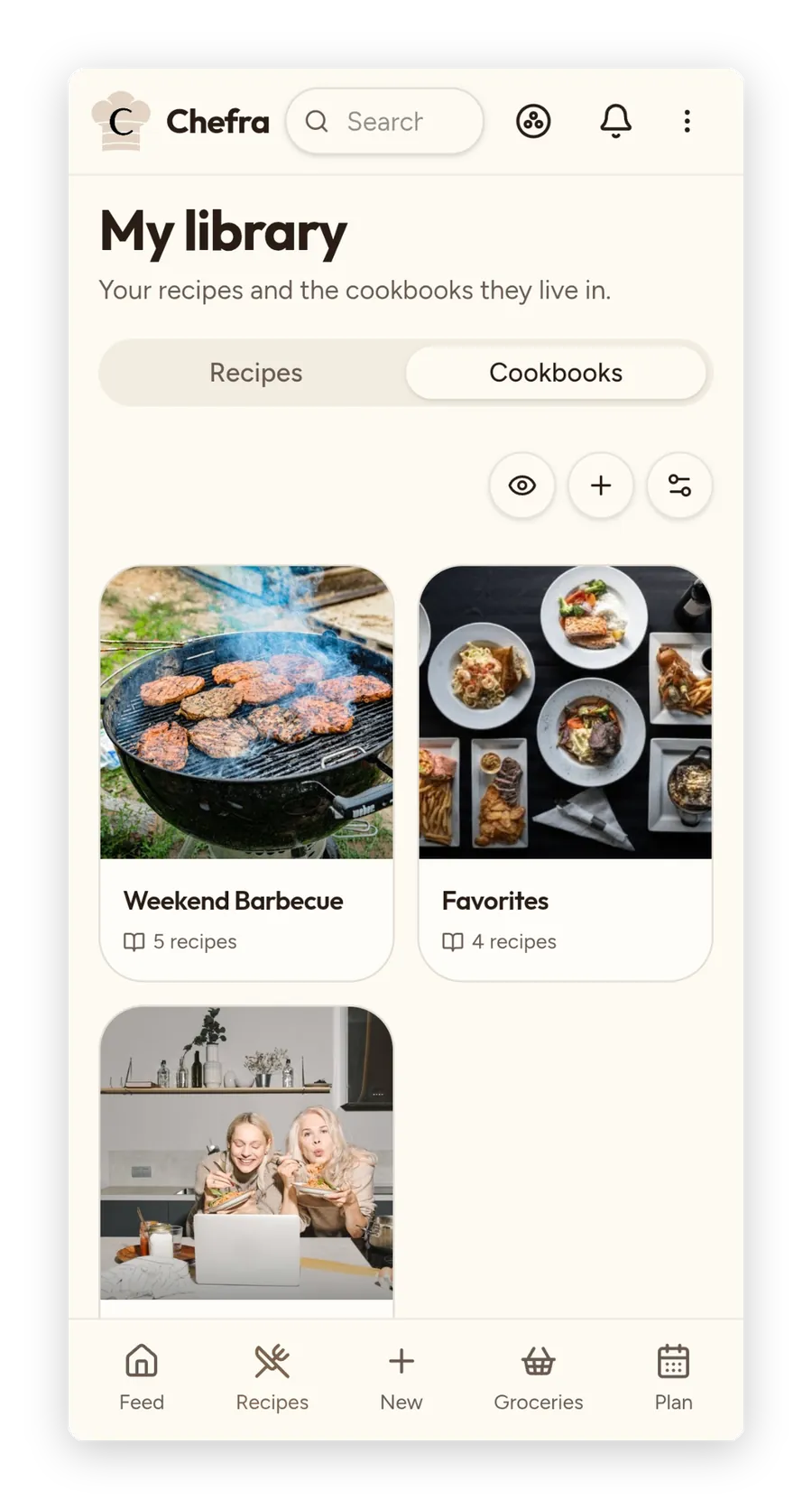
Organize recipes into cookbooks with your own cover photo, then search, filter by tag, sort and bulk-manage what's inside.
Every way in
Pick the way in that fits.
Import a recipe by pasting a link from a recipe website, Instagram, TikTok, YouTube, Facebook or X.
It works when the post or page has readable text, captions or speech; some posts can't be read (login walls, no text at all).
A photo or screenshot
Import a recipe from a photo or screenshot.
Every photo uploaded to Chefra is screened automatically, and images that break the rules are refused.
Pasted text
Import a recipe from pasted text.
From another app
Share a recipe into Chefra straight from another app.
It works in the Android app and in the web app installed on an Android phone. It isn't available in the iPhone or iPad app yet.
A big batch at once
Import a big batch of recipes at once (Premium) from a list of links or a spreadsheet, straight into a cookbook — it runs in the background and keeps a history.
Batches run one at a time.
After it's in
Then it's yours to organize.
Organize recipes into cookbooks with your own cover photo, then search, filter by tag, sort and bulk-manage what's inside.
Rate, tag and sort
Rate, favorite and tag your recipes, add several photos, and sort your library by rating, quickest, most cooked or newest.
Search
Search your recipes by title, description and ingredients.
It doesn't search instructions or notes.
A description in one tap
Have a recipe description written for you with one tap.
It drafts a description you can edit.
A cooking journal
Keep a private cooking journal on every recipe — note what you changed and pin the entries that matter.
Take it with you
Download all your data — a full account archive, plus your recipes as a CSV file.
It's a download you run yourself, not a sync to another app.
Questions
What can I import a recipe from?
Import a recipe from a link, a photo or screenshot, or pasted text — or share it into Chefra straight from another app. Sharing straight into Chefra from another app works in the Android app and in the web app installed on an Android phone. It isn't available in the iPhone or iPad app yet.
Which websites and apps can I paste a link from?
Import a recipe by pasting a link from a recipe website, Instagram, TikTok, YouTube, Facebook or X. It works when the post or page has readable text, captions or speech; some posts can't be read (login walls, no text at all).
Can I share a recipe into Chefra from another app on iPhone or iPad?
Not yet. Sharing straight into Chefra from another app works in the Android app and in the web app installed on an Android phone.
Can I import a lot of recipes at once?
Yes. Import a big batch of recipes at once (Premium) from a list of links or a spreadsheet, straight into a cookbook — it runs in the background and keeps a history. Batches run one at a time.
What happens to the photos I import?
Every photo uploaded to Chefra is screened automatically, and images that break the rules are refused. In the iPhone and Android apps, location data is removed from the photos you upload.
Can I get my recipes back out?
Yes. Download all your data — a full account archive, plus your recipes as a CSV file. It's a download you run yourself.