
Works in any browser, installs to your home screen, and is on the App Store and Google Play.
Day, week or month
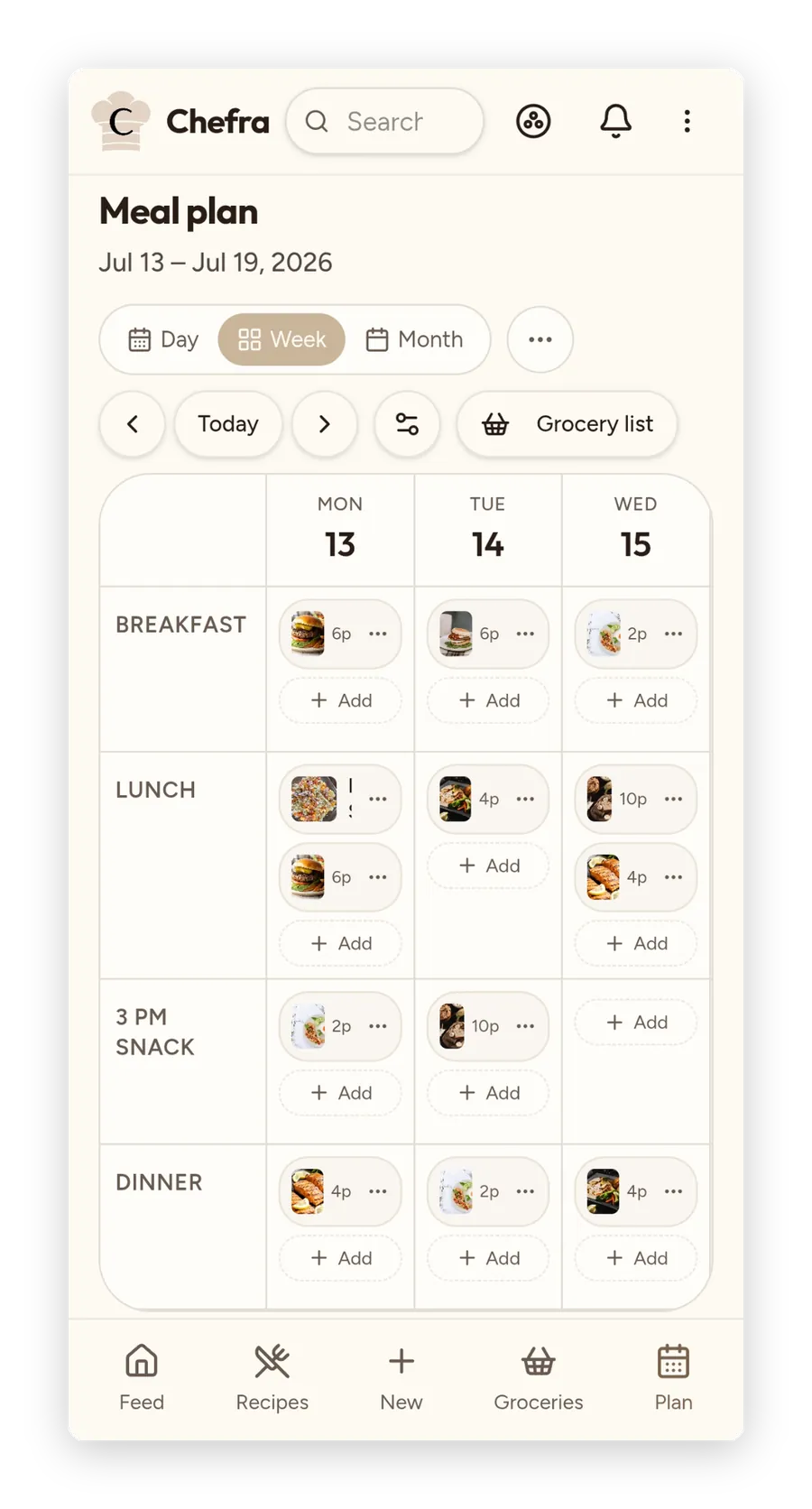
Plan meals on a day, week or month calendar — saved recipes or quick free-text meals, with your own meal times.
From plan to grocery list
Send the ingredients from today's, this week's or this month's meal plan to your grocery list, skipping what's already on it. Grocery items sort themselves into food groups (Premium), and each item can carry its own store and a note.
Cook what you already saved
Plan from your own library — not yet another stream of suggestions you'll forget.
How it works
Save some recipes
Import a few favorites or paste your own.
Drop them on the week
Assign recipes to days. Adjust as life happens.
Shop, cook, eat
Take the grocery list to the store. Open the recipe at the stove.